ashdub. Bookings
Customers pick a time. Your diary stays straight.
Set your services, how long each one takes and your opening hours. Customers choose a free time on your website, nobody can take the same time twice, and a confirmation is in their inbox straight away. Rather say yes to each one yourself? Take booking requests instead.
Every business, person and time shown on this page is a made-up example. Each line below says what's open now and what isn't.
What you get today.
Booking comes with every plan, Free included. Here it is line by line, with what isn't open yet.
- Open now you can use it today
- Partly open the core works; the line says what's missing
- Not open yet shown so you know; never linked
Setting it up
- Services with how long each takes and the price you showOpen now
- Opening hours for each day, how often start times fall, the notice you need and how far ahead people can bookOpen now
- A booking section on any page of your site; adding it switches on Bookings in your consoleOpen now
Your customer
- Choosing a service, a day and a free time on your websiteOpen now
- No double-booking: a time that's taken can't be taken againOpen now
- A confirmation email straight awayOpen now
- Their bookings in their own account on your siteOnce they've confirmed their email address.Open now
- Reminder emails before the appointmentNot open yet
- Moving or cancelling their own bookingNot open yet
- Paying a deposit or the full price when they bookNot open yet
- Text message confirmationsNot open yet
Your side
- Every booking in your console's Bookings listOpen now
- You and your team told in the console; team emails once you choose who gets themOpen now
- Booking requests you confirm, instead of instant bookingUntil you've added services and hours, the booking section takes requests into your inbox.Open now
- Table requests for restaurants, cafés and barsOpen now
- Spam checked before anything is bookedOpen now
- Confirming, cancelling or marking a no-show from the listNot open yet
- A separate diary for each member of staffNot open yet
- Calendar sync with the calendar app you already useNot open yet
How it works
Three steps, and the diary looks after itself.
Set your services and hours
Add each service with its length and price, then your opening hours, the notice you need and how far ahead people can book.
Customers choose a free time
Your booking section shows only the times that are free. Two people can't take the same one, however close together they press.
You both hear about it
They get a confirmation email. It's waiting in your Bookings list, and you and your team are told.
Booking, already built into ready designs.
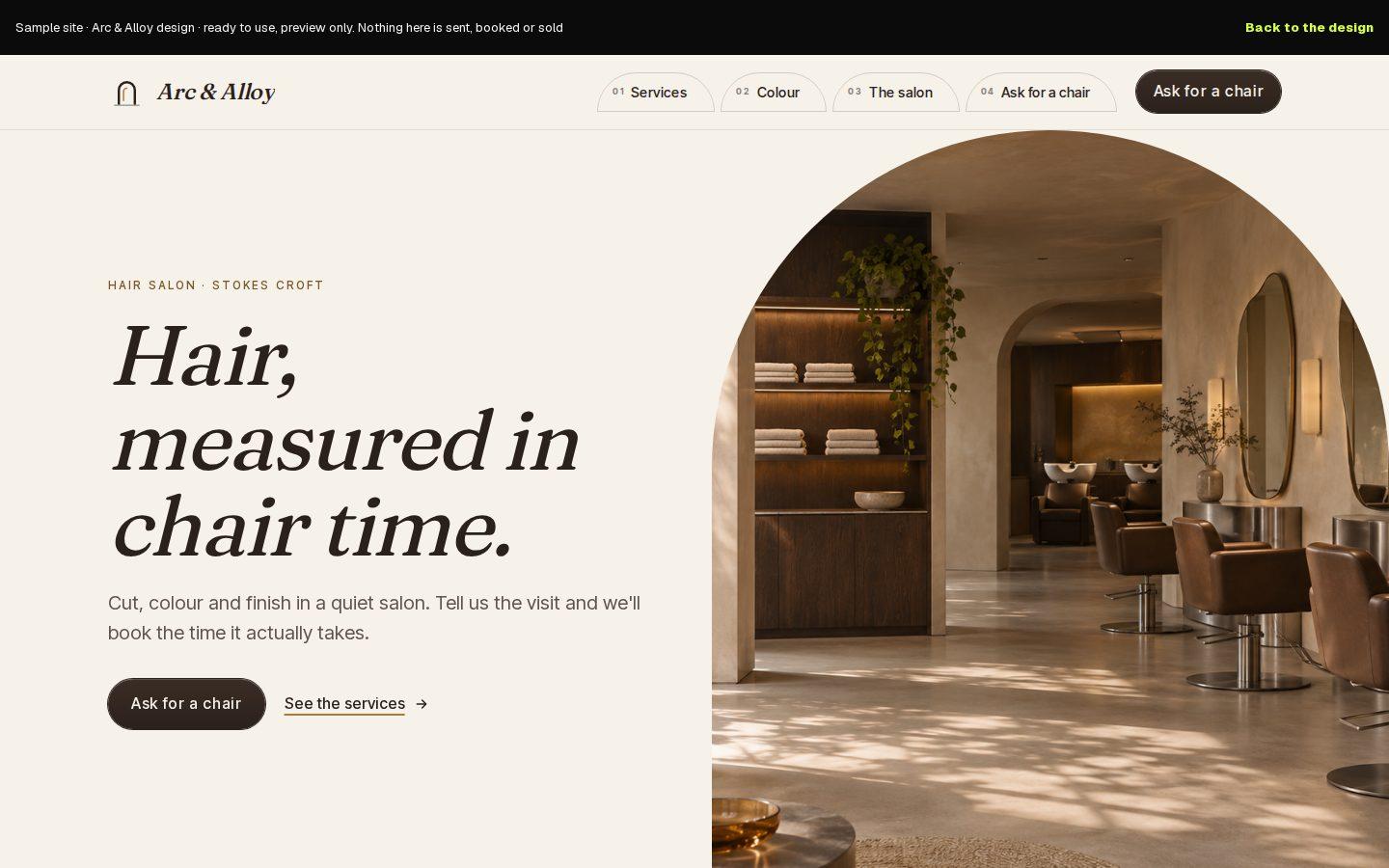
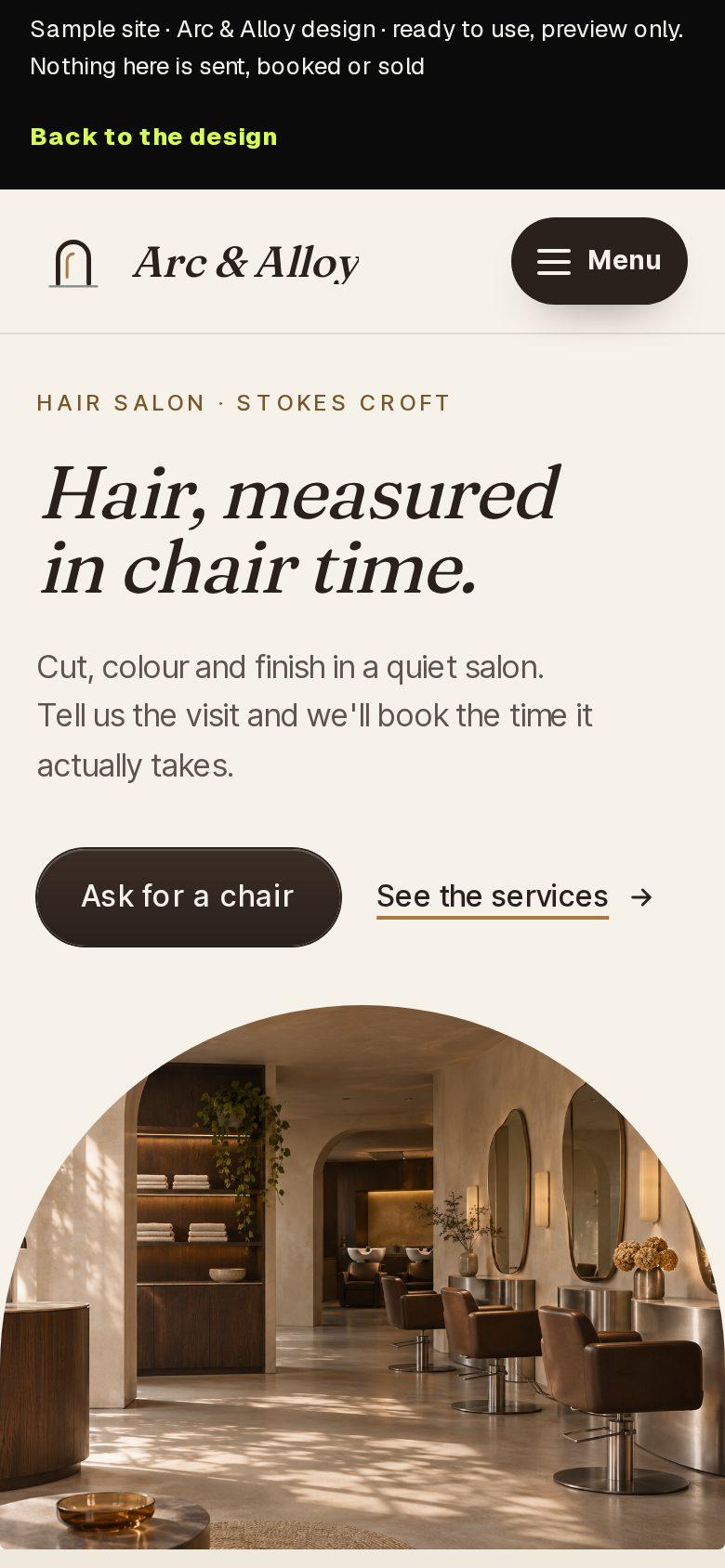
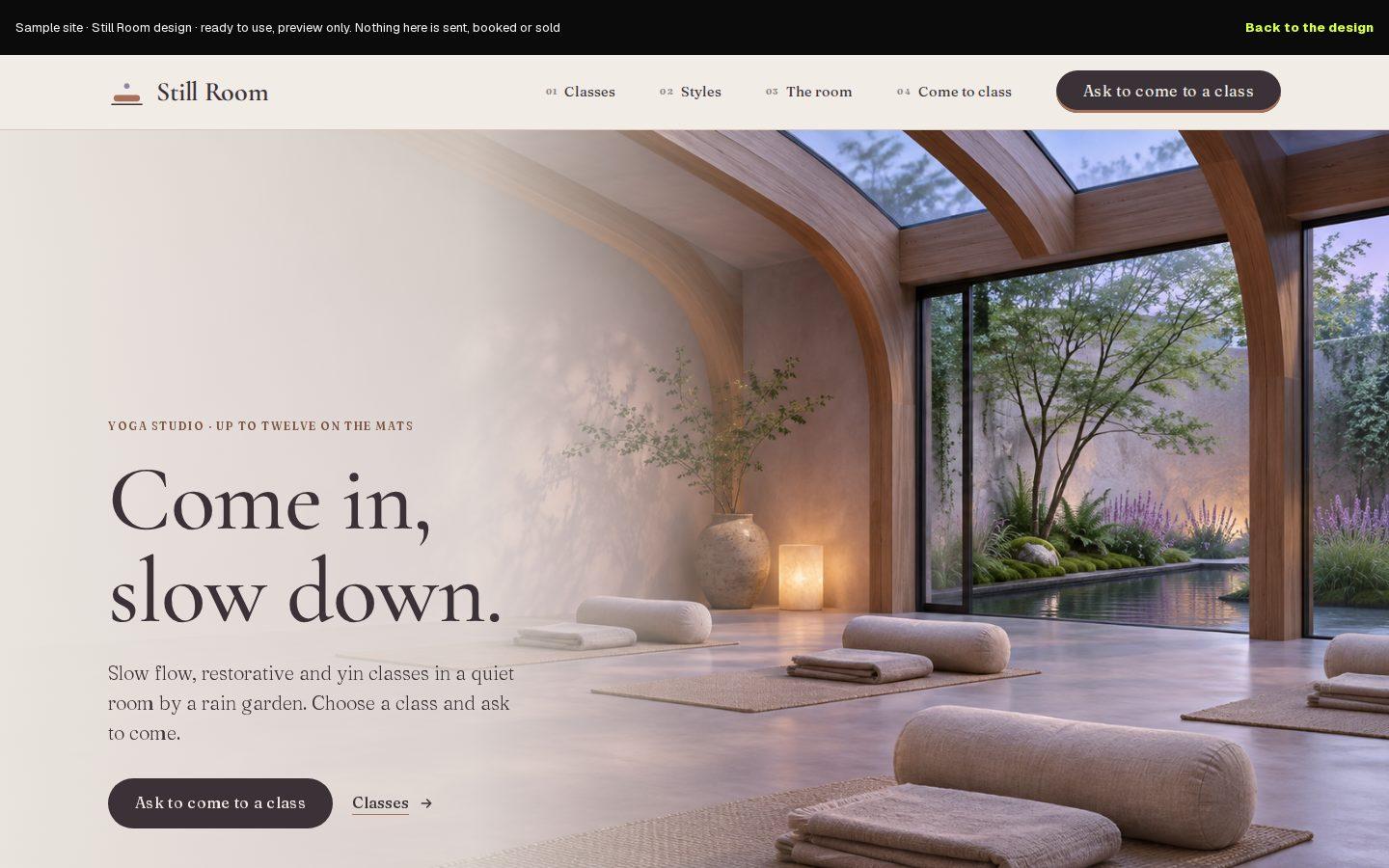
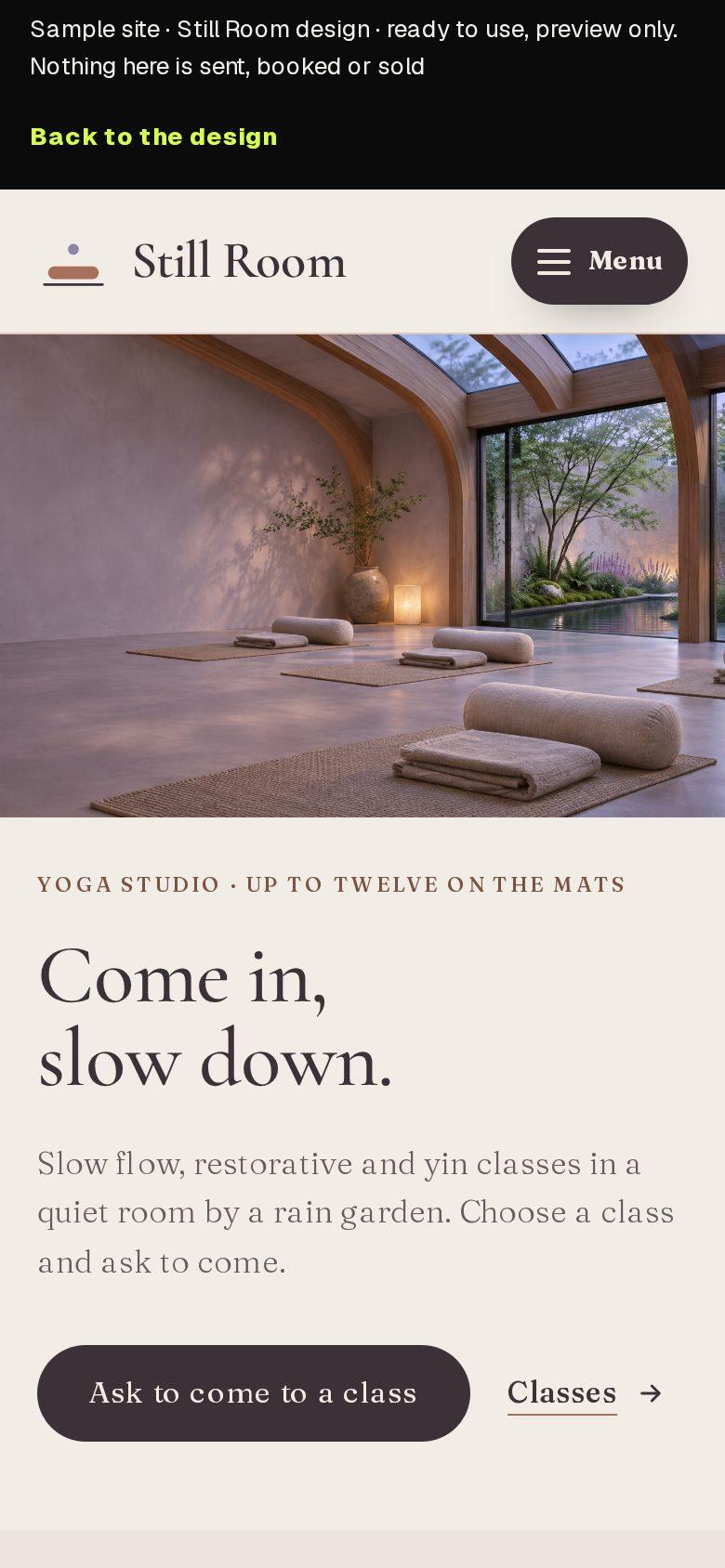
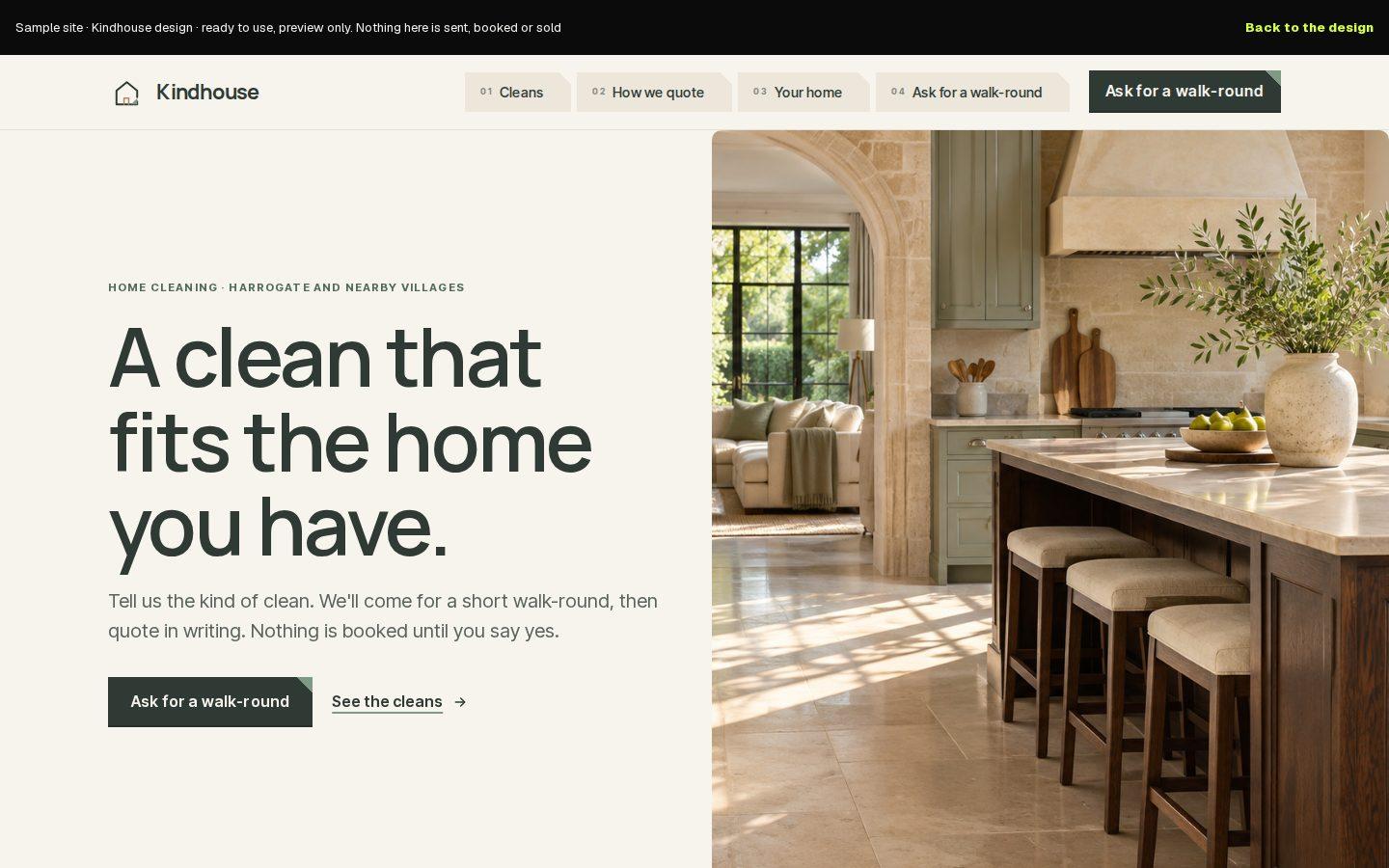
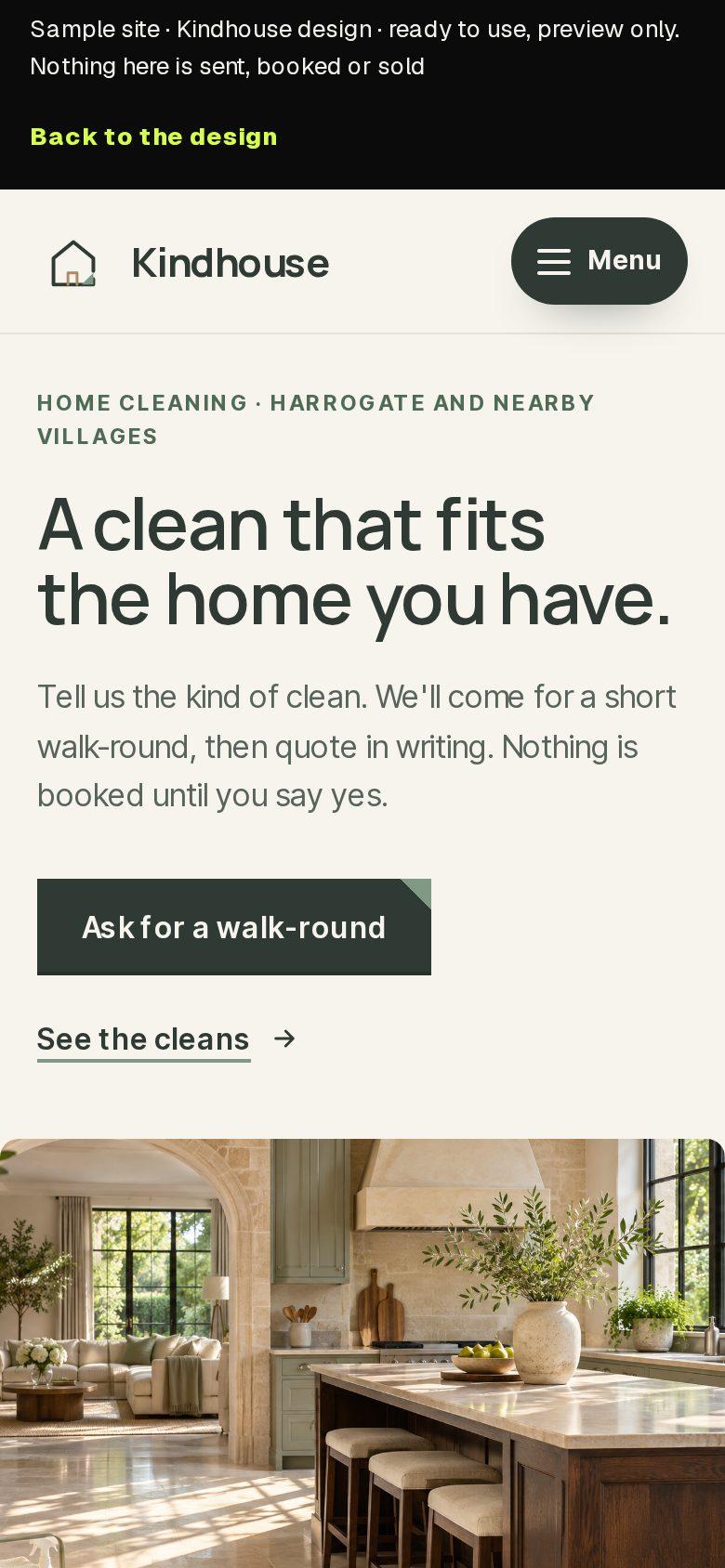
Each of these finished designs has a booking page. Look round it on a phone or a desk; your services, hours and pictures replace every sample.
Ready to use
Arc & Alloy
Hair salons
Booked by chair time, with a consultation before any big change.
Ready to use
Still Room
Yoga and wellbeing studios
Classes and styles, and a simple way to ask to come along.
Ready to use
Kindhouse
Cleaning companies
Regular cleans, deep cleans and moves, booked in after a short walk-round.
Every business in these designs is a made-up sample. The demos and the sample console save and send nothing.
How to start
Start free, or have us build it.
Do it yourself, free
Describe your business in a sentence. The builder plans your pages with a booking section, and you add your services and hours in the console.
Start freeHave us build it
Tell us what you do and how people book now. ashdub. Agency sets up your website, services and hours for you, and quotes first.
Start your briefFree
£0
A website plus the back office that runs it. No card needed.
Pro
£24.99/month
Your own domain, 500 credits a month, the ashdub. badge removed and pro email sending.
Business
£39/month
3,000 credits a month, unlimited staff and priority support.
Done for you
Quoted from your brief
ashdub. Agency prices the build from your brief, because every business needs something different. Hosting and care are agreed with the quote.
Credits pay for things like sending invoices and campaign emails, and making moving posts. All plans and what they include
Questions.
Can customers book without ringing me?
Yes. They pick a service, a day and a free time on your website, and the confirmation email arrives straight away.
Can I approve each booking myself?
Yes. Use booking requests instead: the customer suggests a day and a time, it lands in your inbox, and you reply to confirm.
Do customers get a reminder before they come?
Not yet. Reminder emails aren't open. The confirmation email has the day, the time and the service.
Can customers pay or leave a deposit when they book?
Not yet. You can show your prices next to each service, and send an invoice from your console.
Can each member of staff have their own diary?
Not yet. Today a business has one diary. Your team can each have their own sign-in to the console.
Will it sync with the calendar on my phone?
Not yet. Bookings are kept in your console's Bookings list, which works on your phone.
What does it cost?
Booking comes with every plan, Free included. The plans are below.