A better place to meet your customers.
Invite, meet and keep the work moving, from your AshDub workspace. Guests join from a link in their browser: no app, no account.
- Calls are live in the browser
- Works on phones
- Up to 10 people, 60 minutes



From invitation to conversation
Four steps, the same on a phone or a laptop. These are the real Rooms screens, with fictional people.
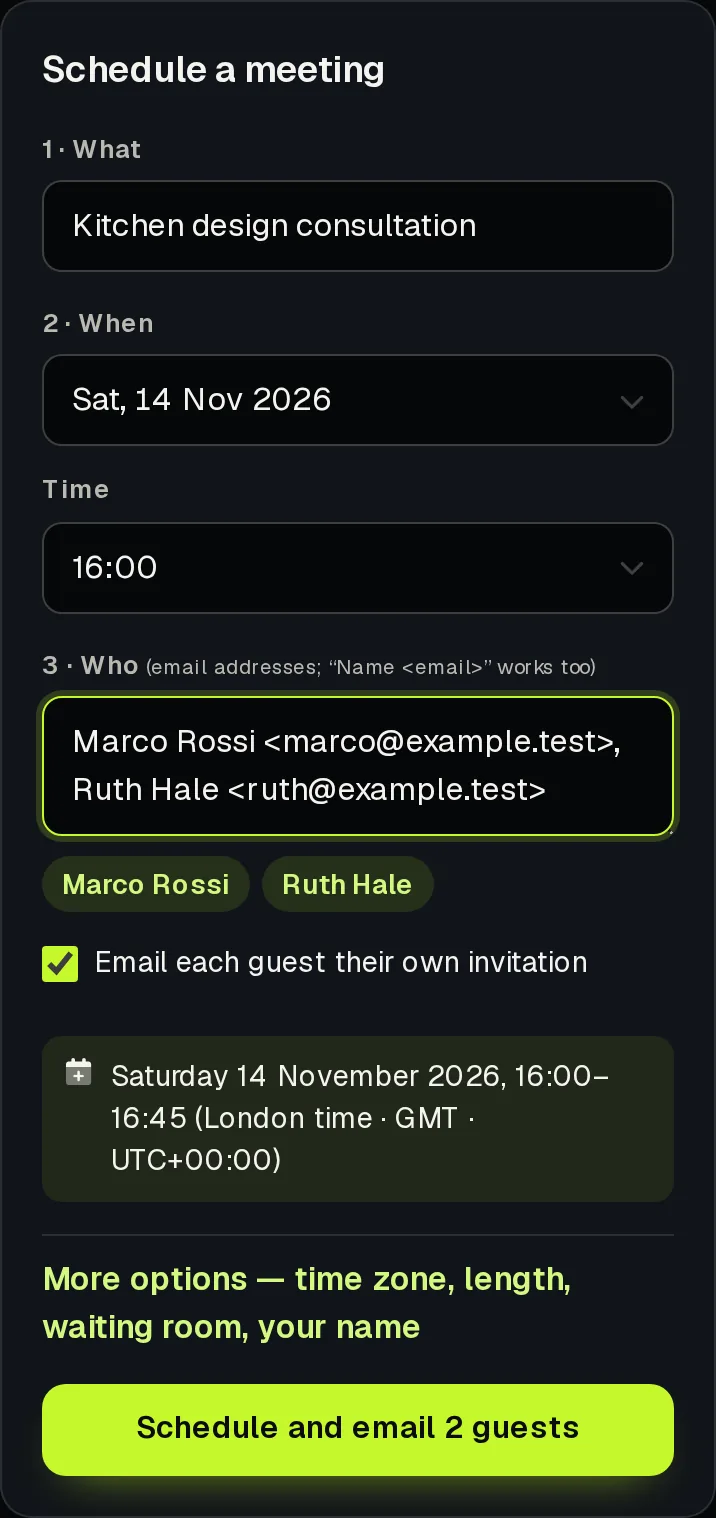
Invite
Type a name and an email. Each guest gets their own link and a calendar invite.
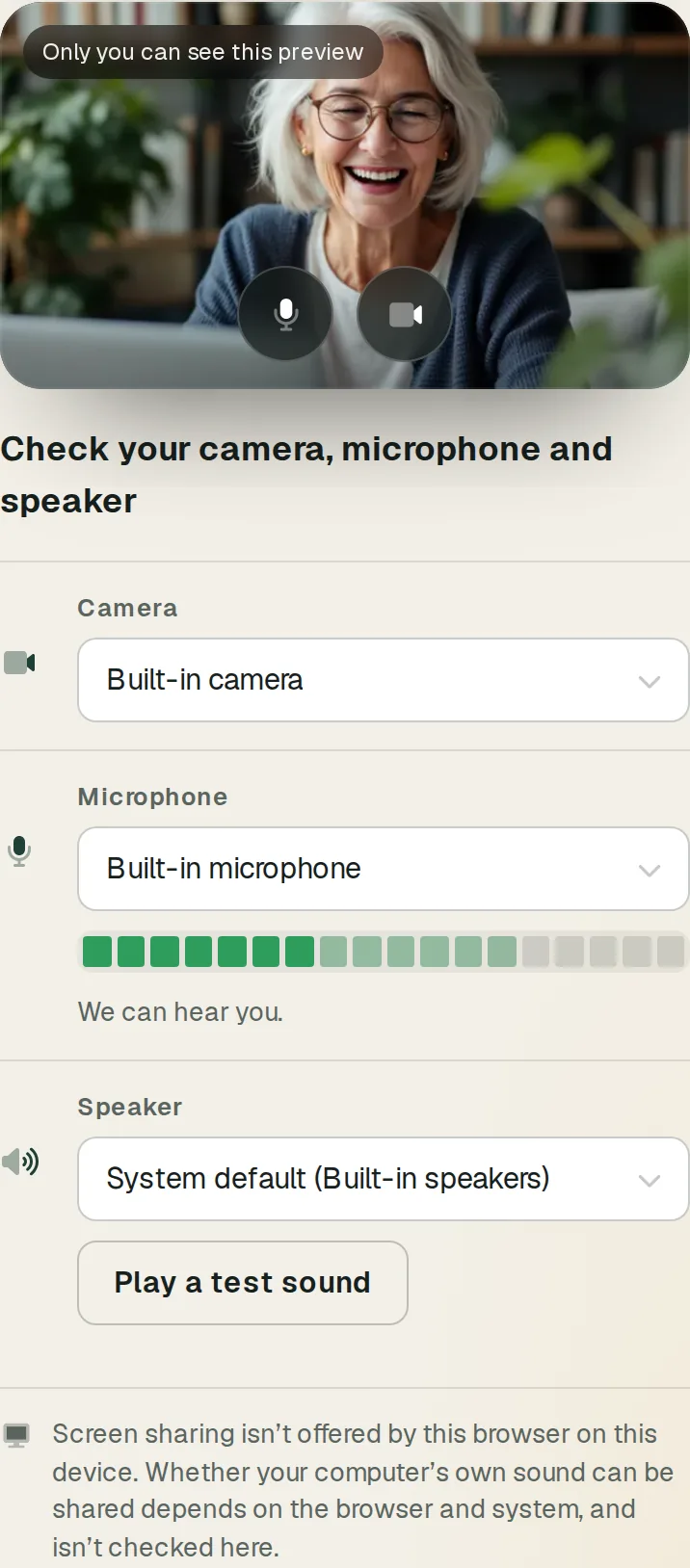
Check devices
Guests see themselves, hear their microphone and test their speaker before they knock.
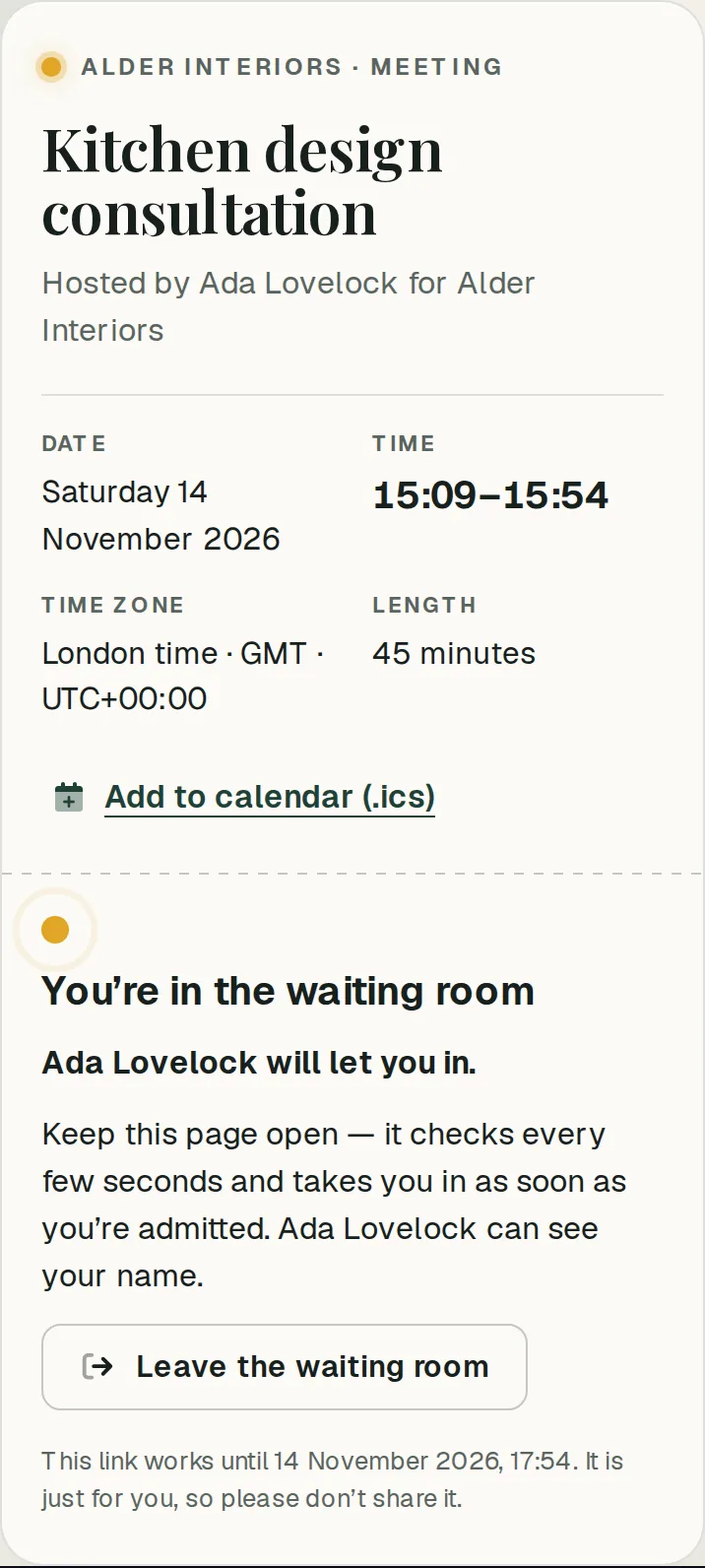
Join
They ask to join and wait in your waiting room until you let them in.
Meet
Talk, share your screen and make progress together.
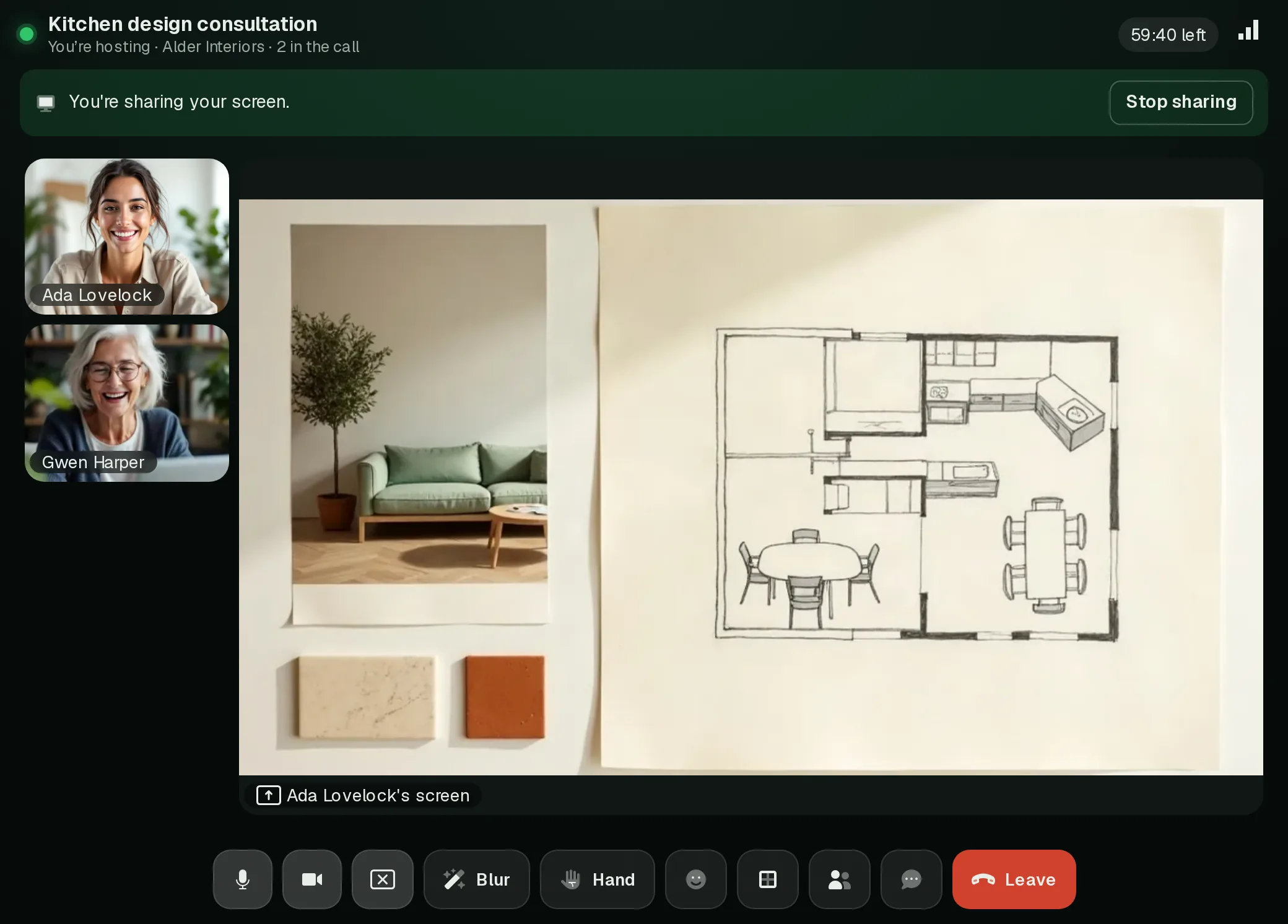
Shared work
Bring your work into the room.
Walk a customer through a plan, a quote or a design on your screen while you talk. Share a link in the chat. Pin the screen when it matters, or see everyone at once.
- Screen sharing on computers, with a clear Stop sharing; phones can watch
- You choose whether guests may share too
- Chat, raise hand and reactions for everyone in the call
- Meetings sit in your console, next to your enquiries and bookings
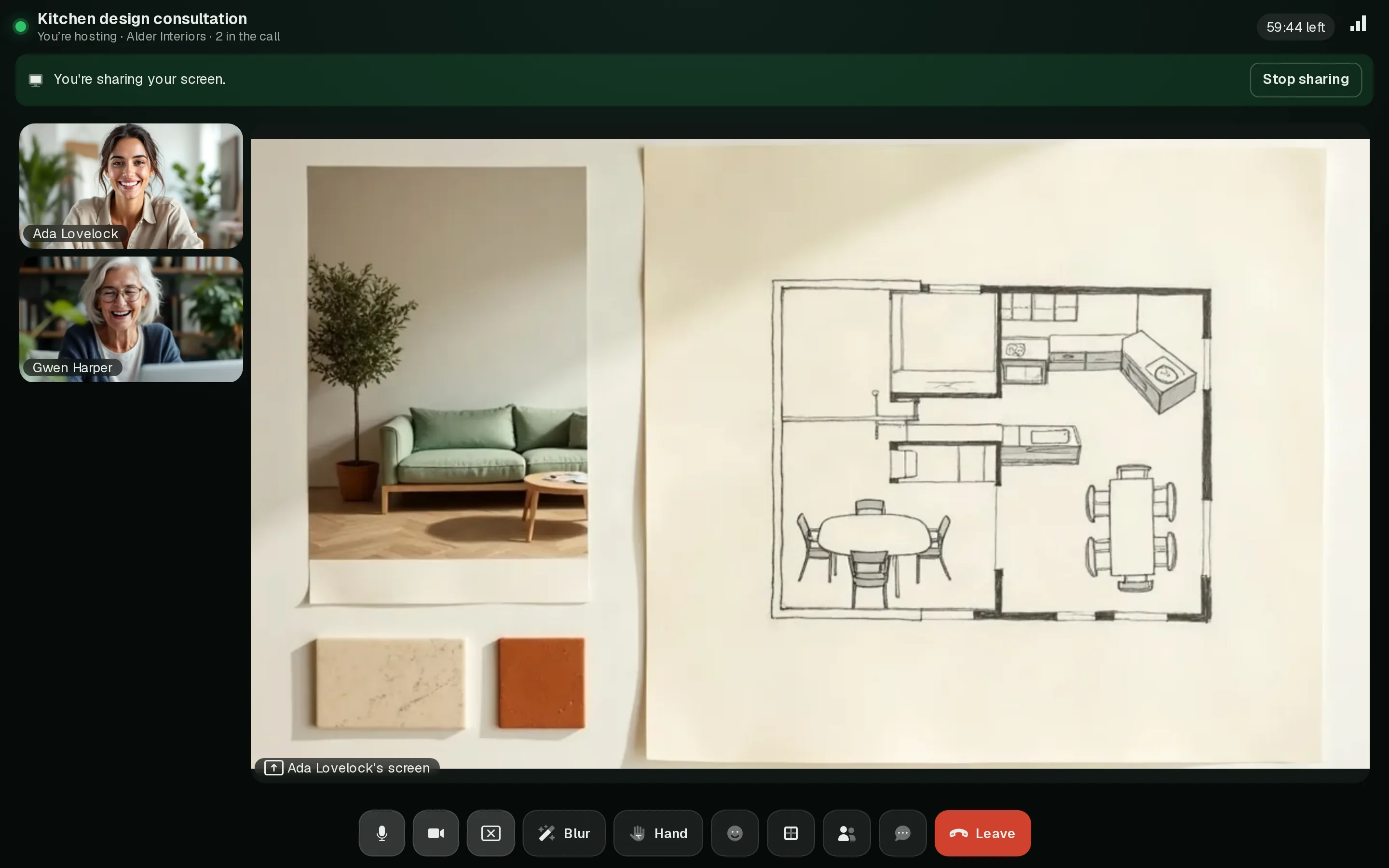
Background blur
Your room stays your business.
One tap blurs everything behind you. It runs on your own device: your video never leaves it to be blurred. If a browser can't do it, Rooms says so instead of pretending.
 Blur offBlur on


Invitations
Your invitation, beautifully presented.
Each guest gets their own email from AshDub Rooms: who's inviting them, the time in their time zone, one button to join and a calendar invite for Google, Outlook or Apple.
- Every time zone, handled
Clock changes included. Nobody turns up an hour early.
- Changes follow
Move or cancel the meeting and the same calendar entry updates for everyone.
- A link that's theirs alone
It works until two hours after the meeting ends, and you can revoke it.
|


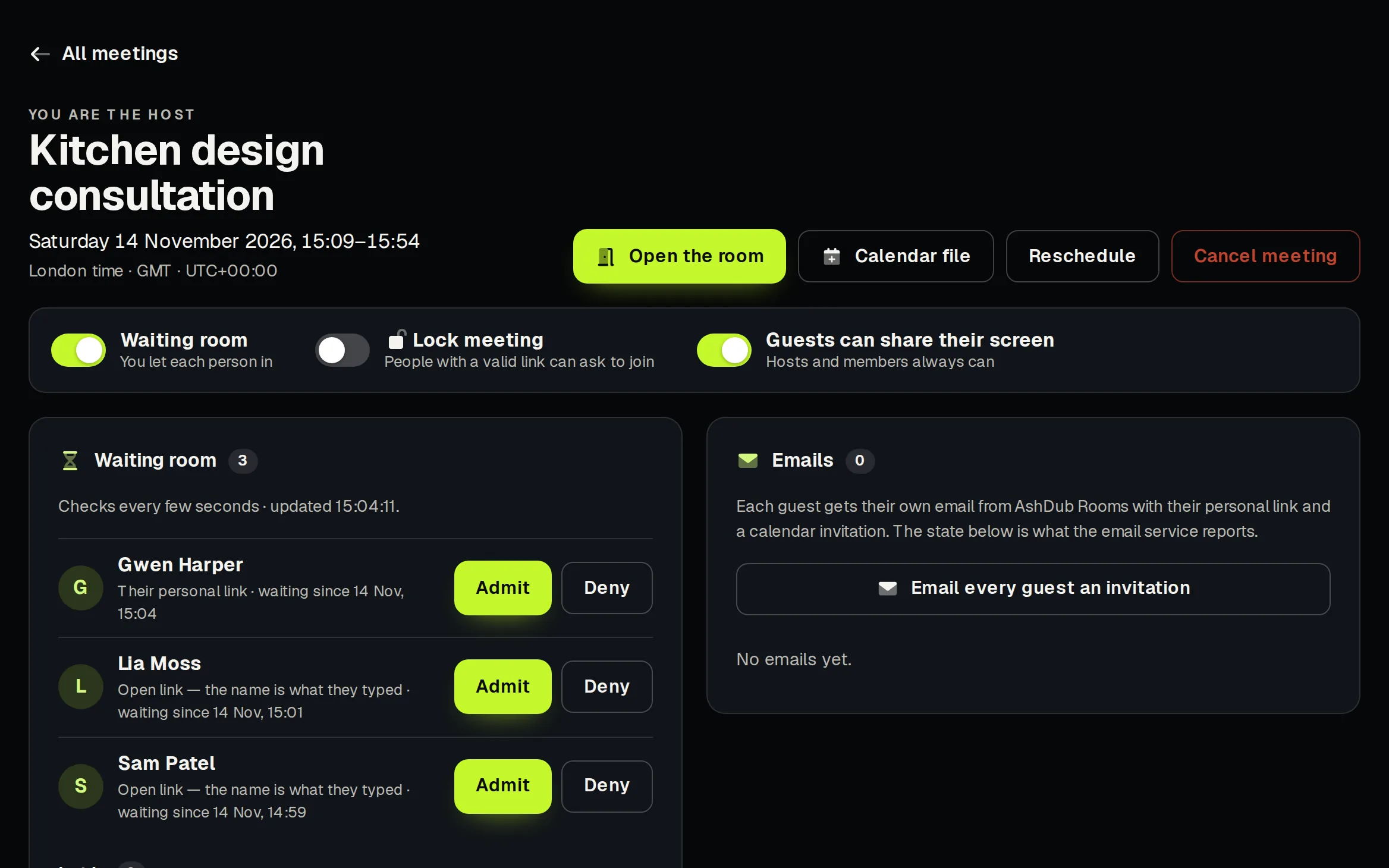
Hosting
Host with confidence.
- Waiting room
Nobody's in until you let them in. Admit or turn people away.
- Lock the meeting
Nobody new can join; nobody already in is removed.
- Remove, and block from returning
Their link stops working there and then.
- Mute someone
Only they can unmute. Nobody can switch on anyone else's camera or microphone.
- End for everyone
Everyone is told, in plain words, that the meeting has ended.
- Help when it wobbles
Device help for blocked cameras, and a calm “Reconnecting” when the signal dips.
What you get today
Included with every AshDub account. The limits are the free plan's, and we'll say clearly when they change.
Your own room
Every account has one. Meet anyone, no business needed. Guests see your name.
Your business's Meetings
Guests see your business's name and colours. Move a meeting from your own room into a business whenever you like.
Up to 10 people, 60 minutes
Per meeting, on the free plan. The call warns everyone a few minutes before the limit.
- Current Chrome, Edge, Firefox and Safari, on computers and phones
- Guests don't need an account
- Calls are live now
- Not yet: recording, captions or AI notes. When they come, everyone in the call will be told.
Your business. Your room.
A dedicated, professional place to meet your customers and move the work forward.
Start a meeting