LinkedIn post templates
Every design drawn at LinkedIn's own 1200 × 1200. Make it yours, download the PNG and paste the caption.
360 designs3 tiers: Ultra, Premium, Essential1200 × 1200 pixelsFree with captions
Browse the designs →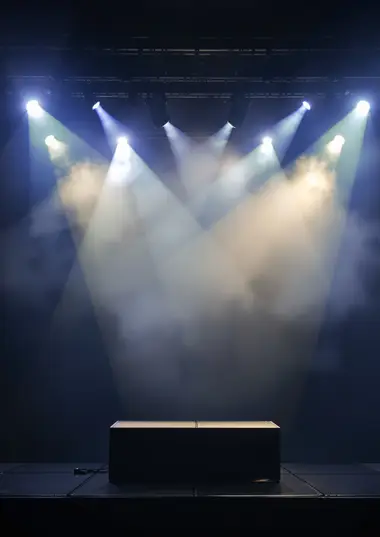 Neon TapesFriday 24 OctoberFive years of Neon TapesDJ Kemi · Marlo · Sunny Days b2b Ivy. The Basement, Peckham.Get tickets@neontapes.fm
 Orchard StreetEvery TuesdayPizza NightTwo sourdough pizzas and a bottle of wine for £25.Walk inorchardst.co.uk
- 1Pick a design, shown finished
- 2Make it yours tap any line, your photo and colours
- 3Post it download at the right size, copy the caption
360 designs · showing 144
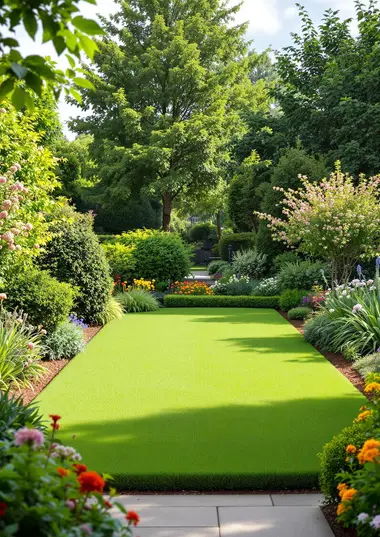
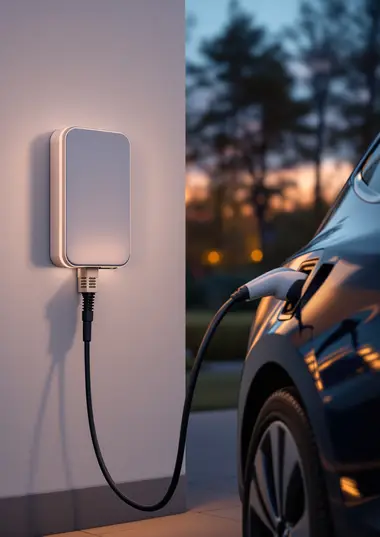
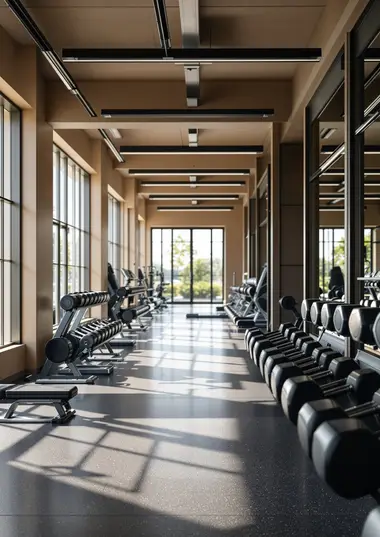
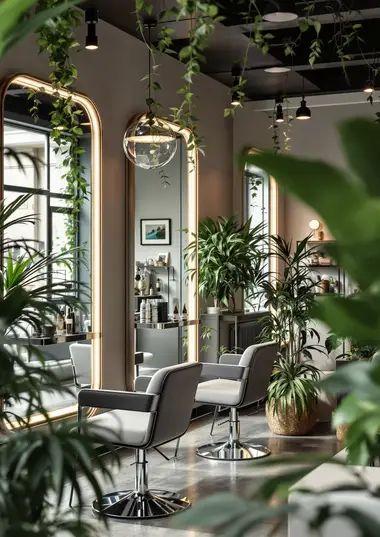
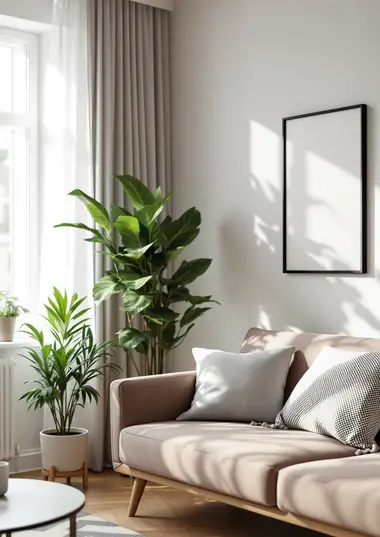
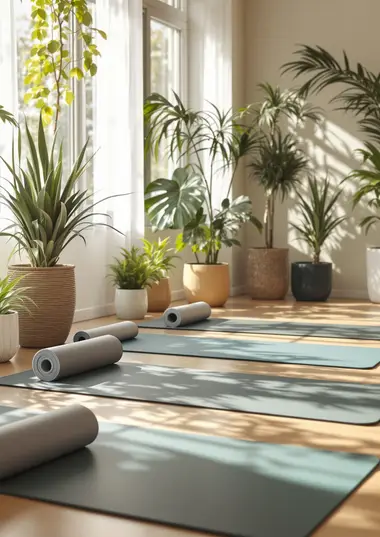

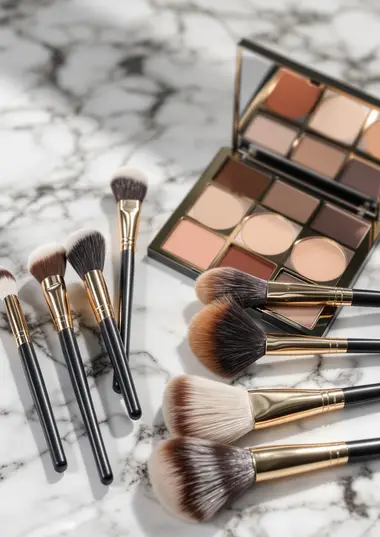
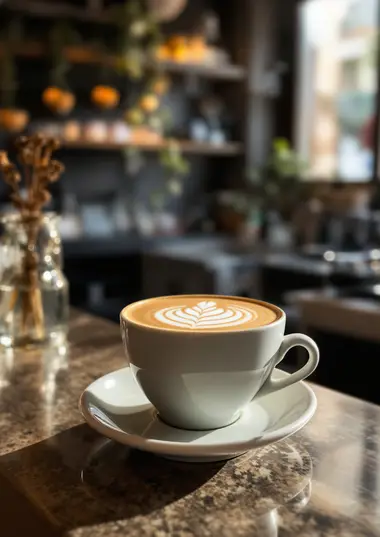
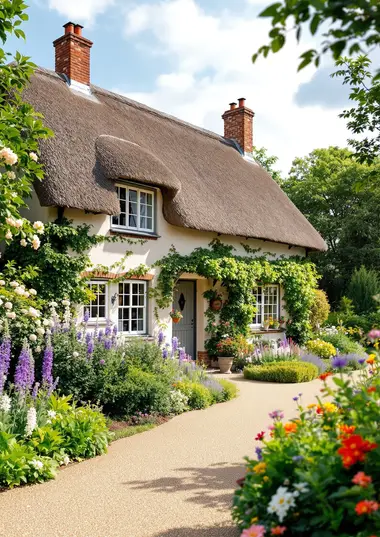
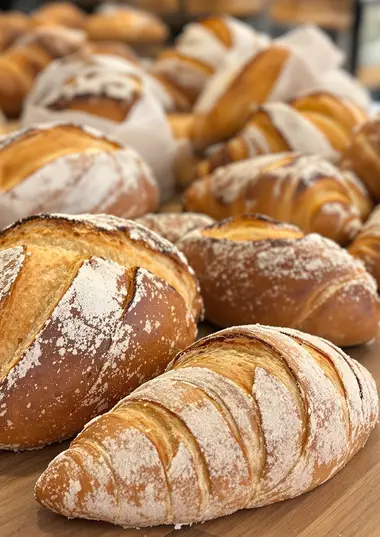
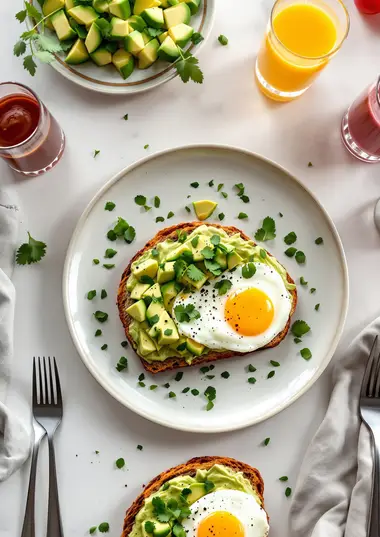
Show 48 more designs ↓216 more to see
How LinkedIn posts work on ashdub.
Every design opens finished with a believable example business and a caption already written. Choose Instagram post, Instagram story, LinkedIn or X and the design re-flows to that platform's exact shape. Tap any line on the post to change its words, size, font or colour, or drag it where you want it.
The right size, every time
Downloads are PNGs at each platform's own size: 1080 × 1350 for an Instagram post, 1080 × 1920 for a story, 1200 × 1200 for LinkedIn and 1600 × 900 for X. Stories keep the words clear of the top and bottom, where Instagram puts its buttons.
Caption included
Each design comes with a caption and hashtags you can change, counted against the platform's limit (X allows 280 characters), and copied in one tap.
Three tiers
Ultra designs are dark and elegant with gold or silver details. Premium designs are bold, full colour. Essential designs are clean and quiet, with one accent.