Your free workspace

Make websites, cards, invoices and more, and keep them all in one place.

Join freeSign in
← All designs

In final release checks, not installable yet — its new-site installer is still in final release checks, so it can't be installed yet, and nothing is created from this page.

Dentists · Several pages

ashdub. Dentist

A dental practice's complete site: treatments in plain words, a real new-patient path, practice and team details, fees and funding held for the practice to confirm, and an appointment request that lands in the practice's inbox.

Open the live demo
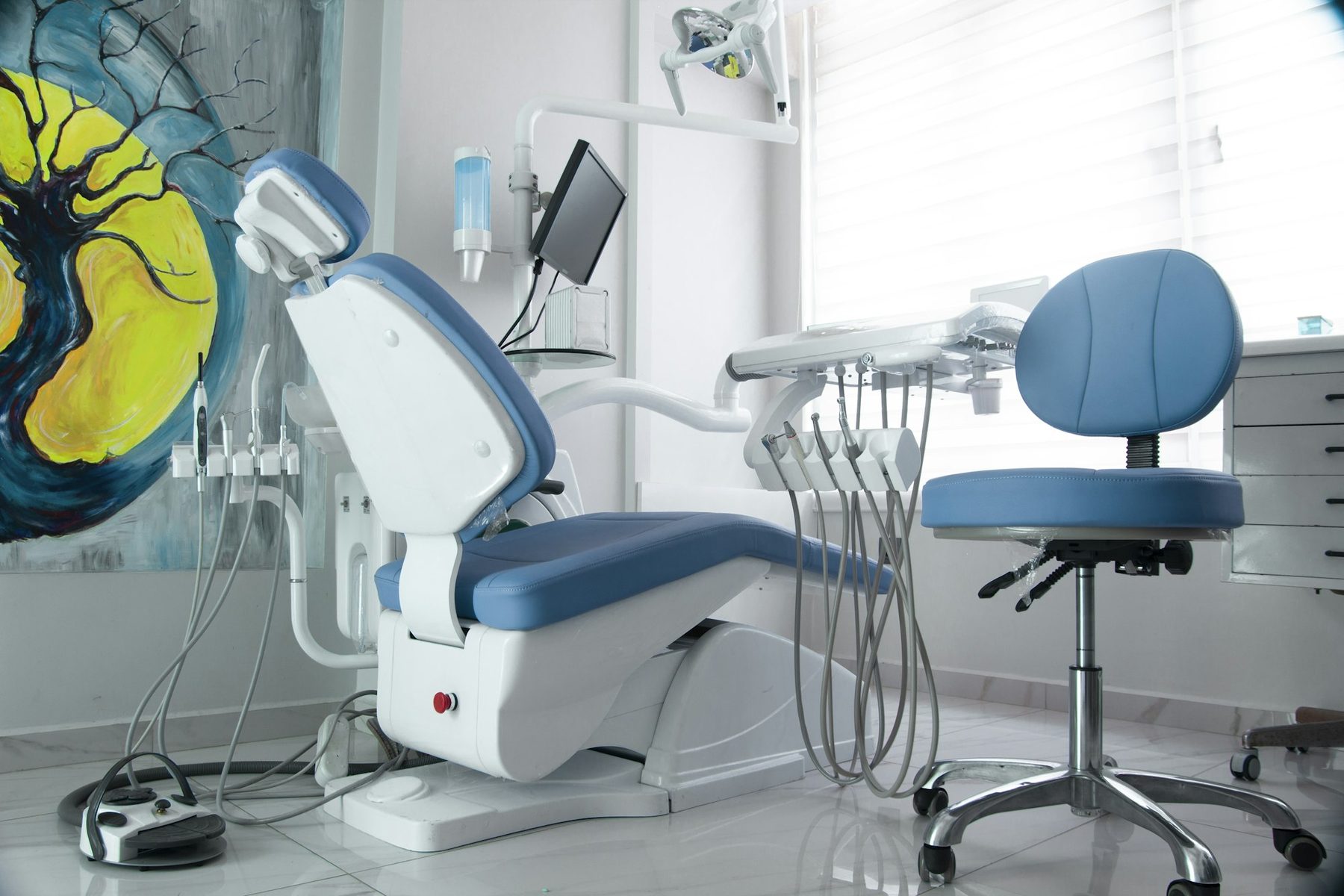
  • A dental treatment room with a blue chair and stool by a bright window
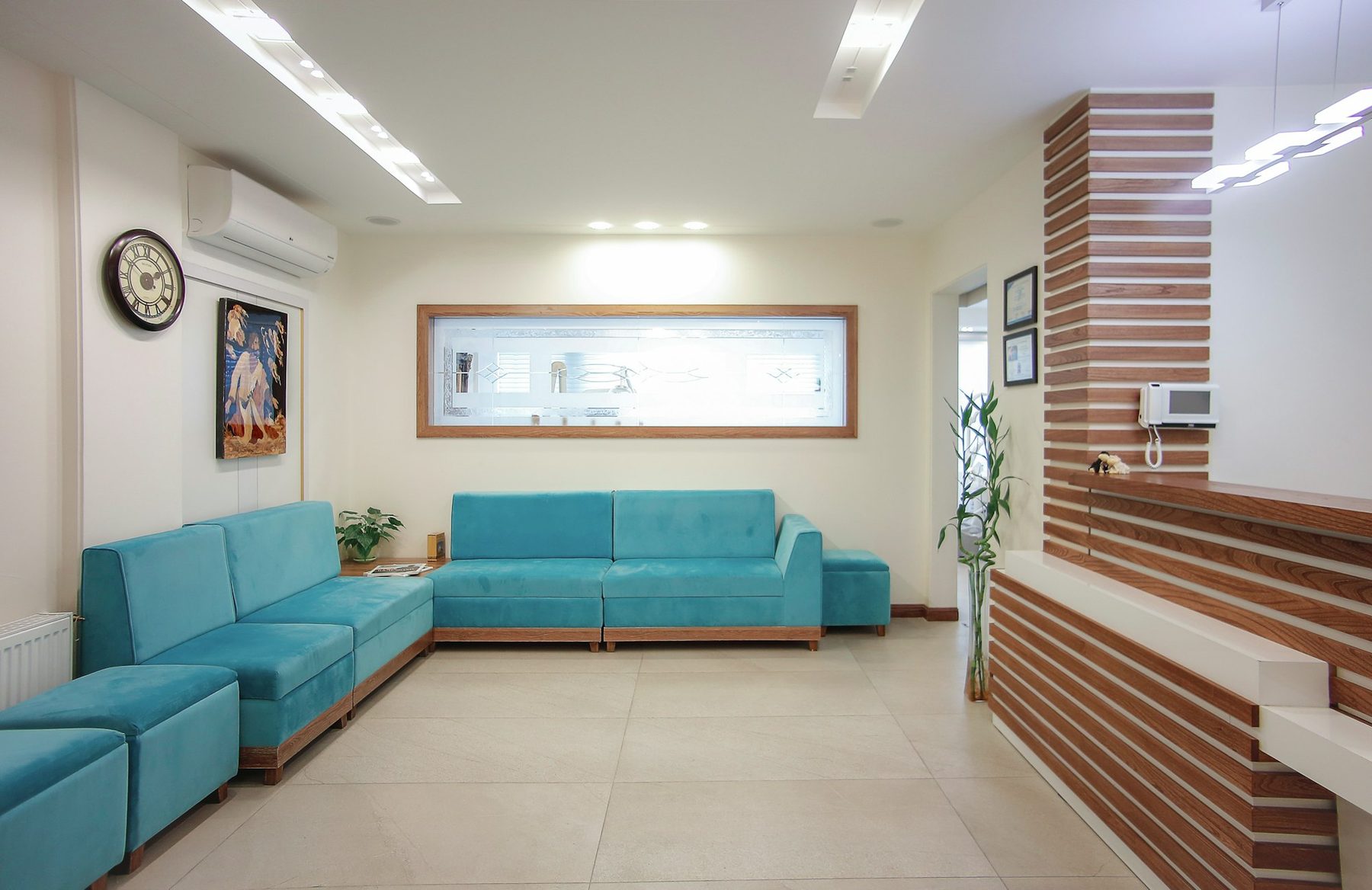
  • A bright practice waiting area with teal sofas, a plant and a wooden reception desk
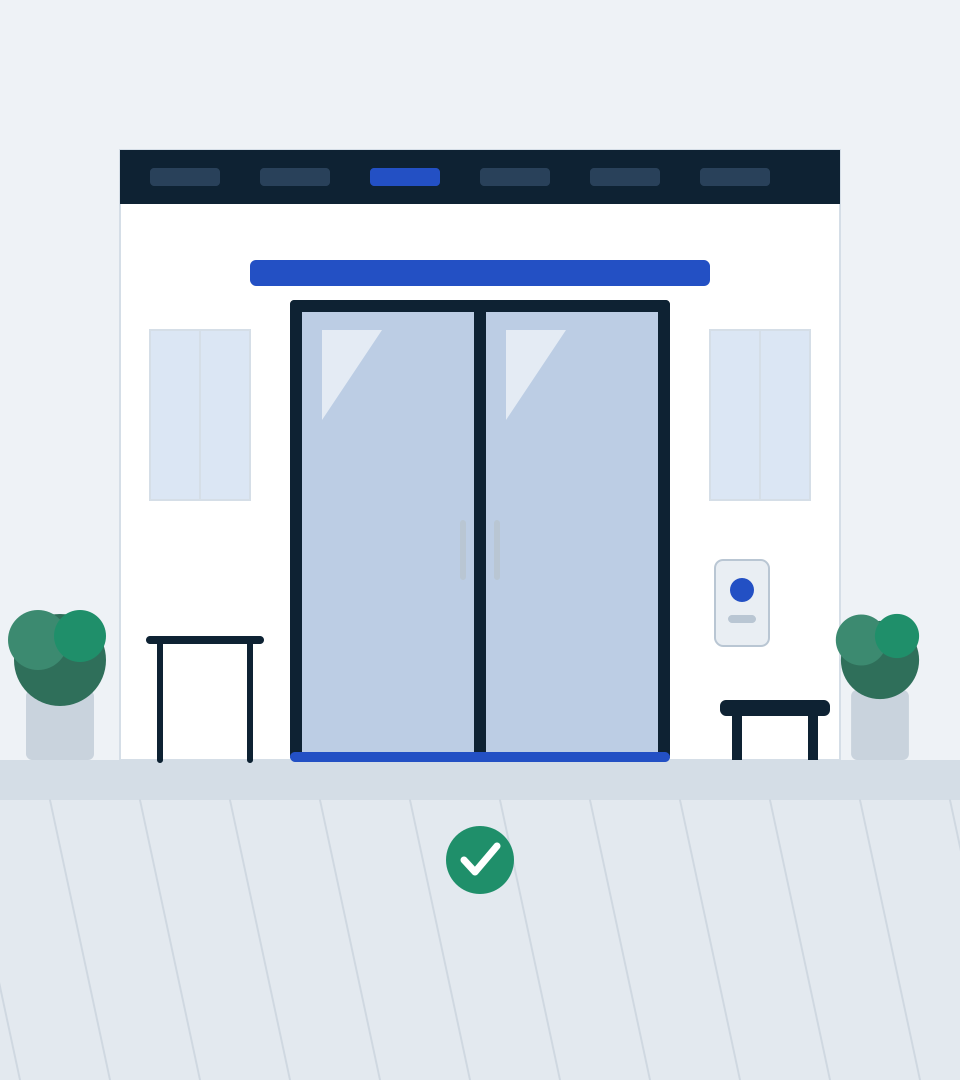
  • Drawing of a practice entrance with automatic glass doors, a handrail and a level threshold where the pavement meets the door without a step

Photographs used by this design. The live demo shows the finished layout as a working site with its sample business.

Included in the design

9 pages, written and laid out

  1. Home
  2. Treatments
  3. Practice & team
  4. New patients
  5. Fees & funding
  6. Appointments
  7. Privacy
  8. Terms
  9. Privacy and Terms

Comes with the site

Its back office

  • Customers and enquiries
  • Booking requests

These screens arrive with the site when it is installed. Each starts working once you have set it up and published.

You set up

You'd still add

  • Your clinicians' names, roles and General Dental Council registration numbers — none are shown until you add them
  • Your regulator and inspection details, NHS/private status, fees and any payment plans — every sample figure is a slot for you to confirm
  • Your urgent-care and out-of-hours arrangements
  • Who receives appointment requests: chosen from your own team after setup (nobody is emailed until you choose)
  • Your privacy notice and terms (the sample wording is a placeholder, not legal advice)

How its journeys work

What a visitor does, what you see and where it is kept. Each journey runs once you have set it up and published the site. Nothing on this page is live.

Bookings

Runs after your setup

Your visitor
Choose a service, date and available time
You
Configure services and availability, then manage bookings
Kept as
Booking services, slots and bookings
Who can see it
Public availability; tenant-scoped booking records

Enquiries

Runs after your setup

Your visitor
Send an enquiry and receive a truthful outcome
You
Review and progress the saved enquiry
Kept as
CRM enquiries
Who can see it
Public submit only; tenant-scoped enquiry records

Illustration

Original ashdub. drawings, written as code for this design: 2 drawings, each recorded with its hash. None is stock, downloaded or generated, and none shows a person. The sample business and its details are not real.

Photography

Benyamin Bohlouli · Ozkan Guner on Unsplash (Unsplash License). The sample business and its details are not real.