Your free workspace

Make websites, cards, invoices and more, and keep them all in one place.

Join freeSign in
← All designs

In final release checks, not installable yet — its new-site installer is still in final release checks, so it can't be installed yet, and nothing is created from this page.

Makeup artists · Several pages

ashdub. Makeup

A makeup artist's complete site: bridal, occasions and shoots, lessons, a filterable uncaptioned portfolio, price slots the artist fills in and a guided enquiry that asks for the date, the place and the people before anything is promised.

Open the live demo
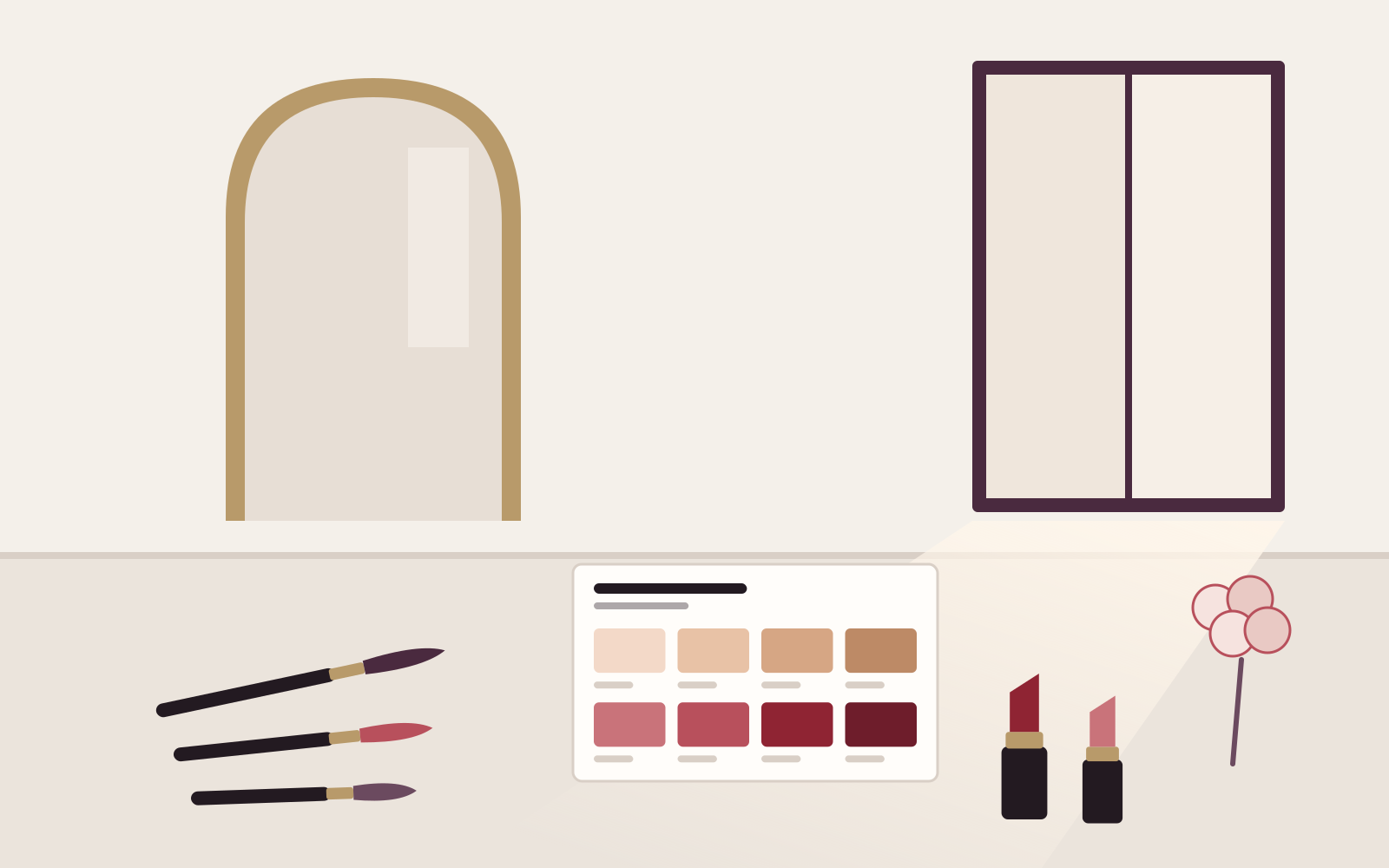
  • Drawing of a dressing table by a tall window: an arched mirror reflecting only the window, a shade card of skin and lip swatches, three brushes, two lipsticks and a small posy
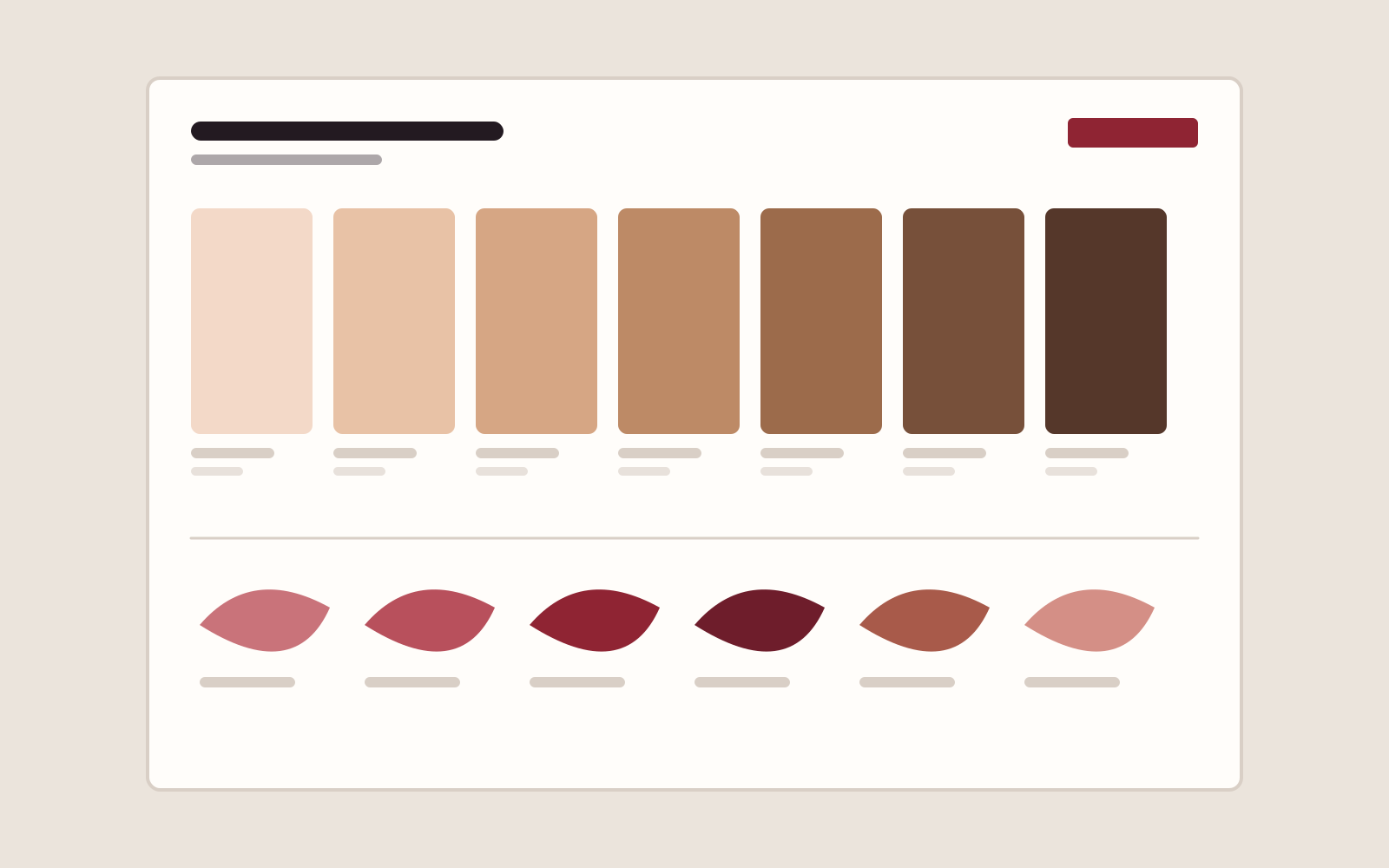
  • Drawing of a shade card: seven skin-tone swatches running from fair to deep above six lip-colour strokes, each with a blank label line
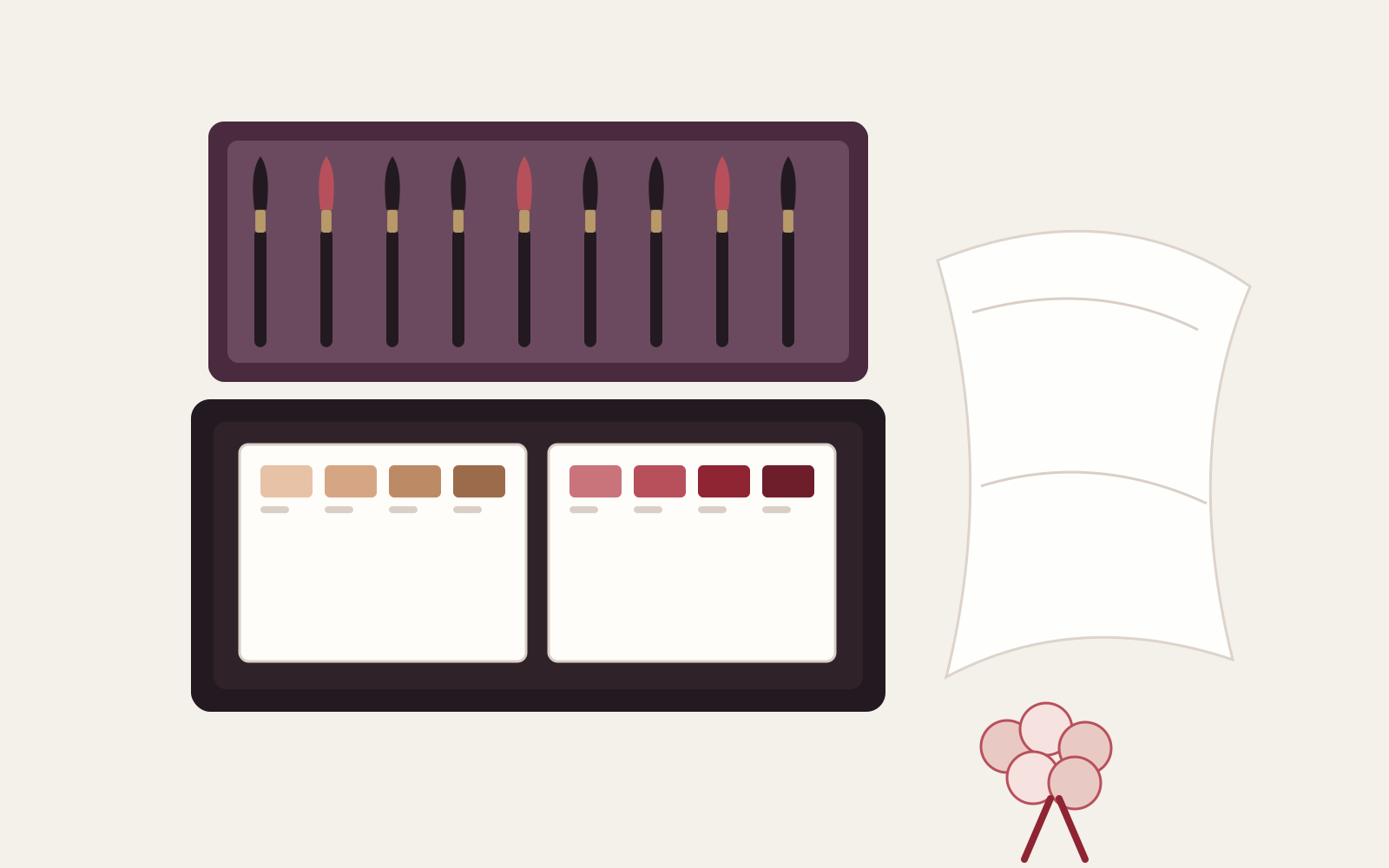
  • Drawing of an open bridal makeup kit: a roll of brushes in the lid, skin and lip palettes in the tray, a folded veil and a ribbon-tied posy beside it
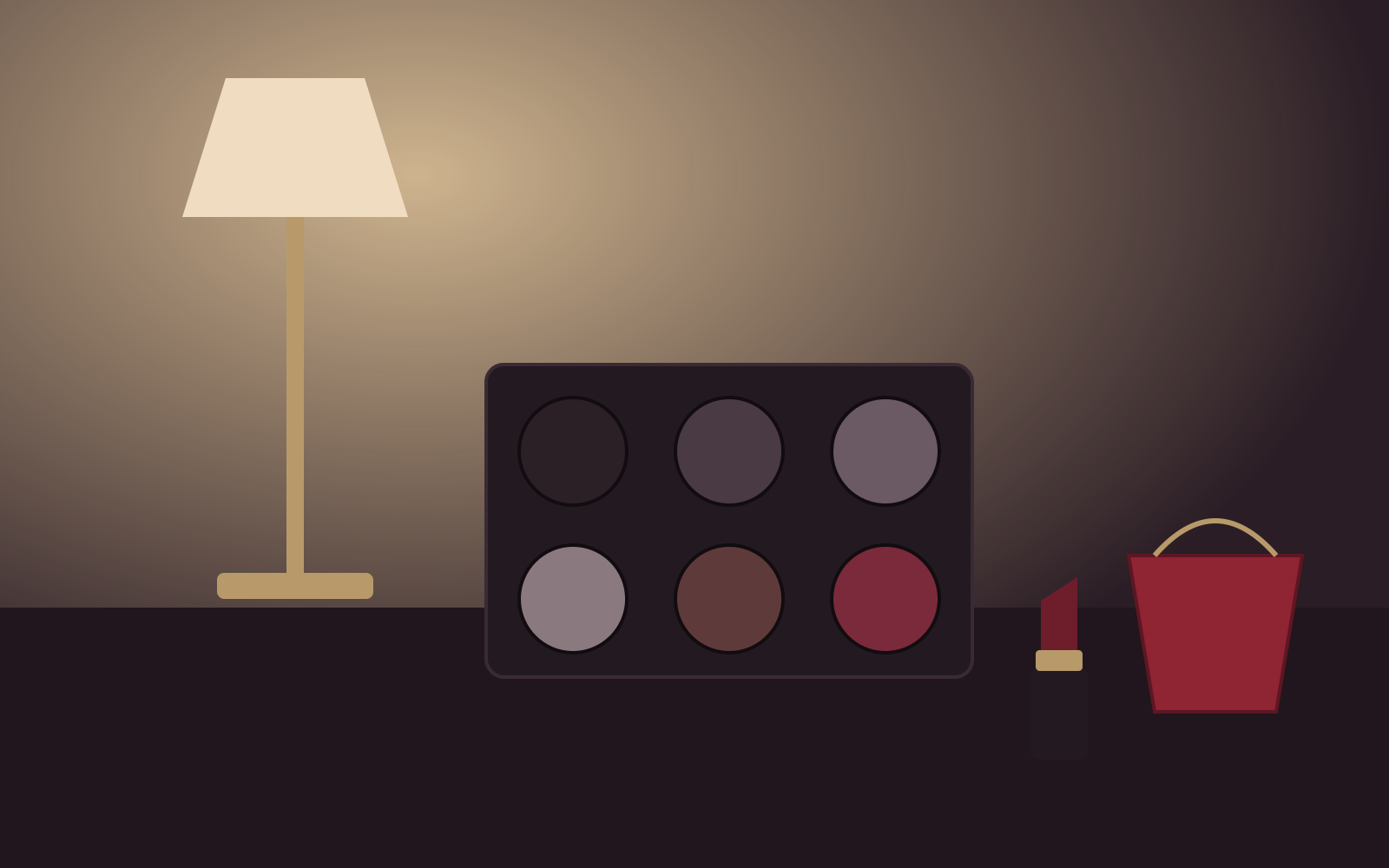
  • Drawing of an evening dressing table under lamplight: a smoky eyeshadow palette, a berry lipstick and a small rouge clutch with a gold chain
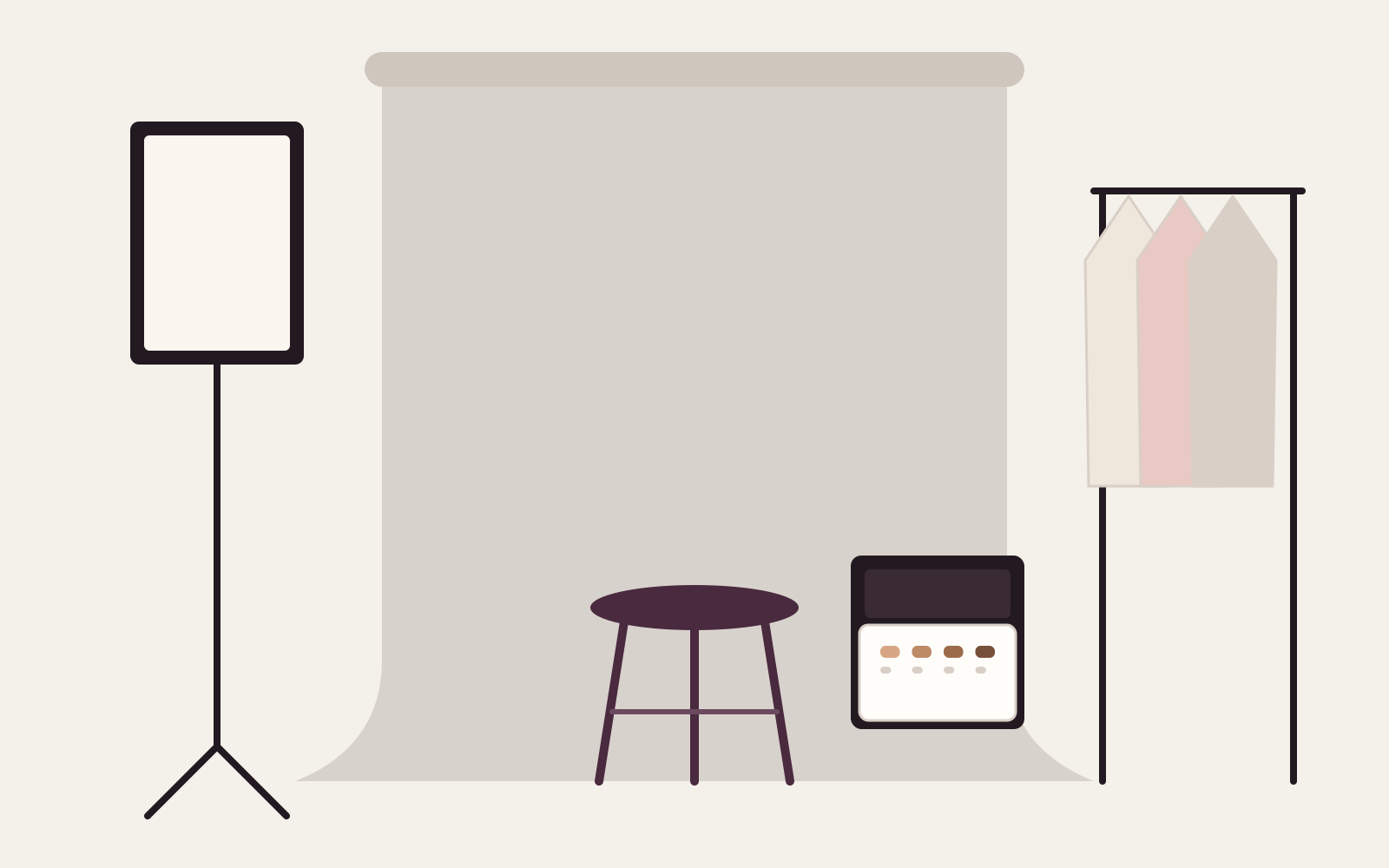
  • Drawing of an empty photo-shoot set: a rolled paper backdrop, a softbox on a stand, a stool, a garment rail with three outfits and a makeup trolley
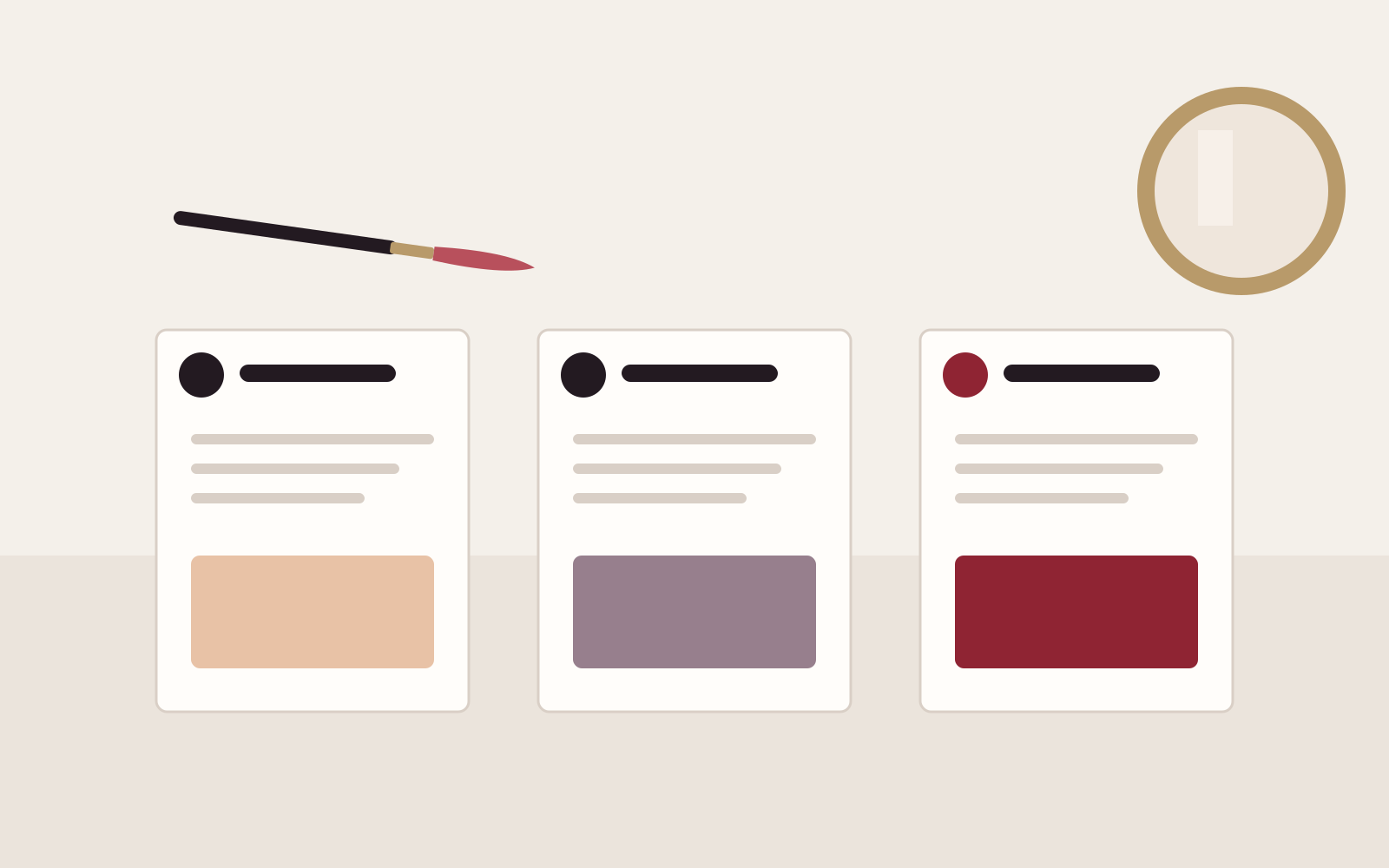
  • Drawing of a one-to-one lesson laid out as three step cards — prepare, define, set — each with its own swatch, a compact mirror and one brush

Photographs used by this design. The live demo shows the finished layout as a working site with its sample business.

Included in the design

11 pages, written and laid out

  1. Home
  2. Bridal
  3. Occasions & shoots
  4. Lessons
  5. Portfolio
  6. About
  7. Prices
  8. Enquire
  9. Privacy
  10. Terms
  11. Privacy and Terms

Comes with the site

Its back office

  • Customers and enquiries
  • Booking requests

These screens arrive with the site when it is installed. Each starts working once you have set it up and published.

You set up

You'd still add

  • Your own photographs of your work (the sample drawings are placeholders to replace)
  • Your services, prices, travel area and deposit terms: every figure is an empty slot until you add it
  • Who receives enquiries: chosen from your own team after setup (nobody is emailed until you choose)
  • Your privacy notice and terms (the sample wording is a placeholder, not legal advice)

How its journeys work

What a visitor does, what you see and where it is kept. Each journey runs once you have set it up and published the site. Nothing on this page is live.

Bookings

Runs after your setup

Your visitor
Choose a service, date and available time
You
Configure services and availability, then manage bookings
Kept as
Booking services, slots and bookings
Who can see it
Public availability; tenant-scoped booking records

Enquiries

Runs after your setup

Your visitor
Send an enquiry and receive a truthful outcome
You
Review and progress the saved enquiry
Kept as
CRM enquiries
Who can see it
Public submit only; tenant-scoped enquiry records

Illustration

Original ashdub. drawings, written as code for this design: 6 drawings, each recorded with its hash. None is stock, downloaded or generated, and none shows a person. The sample business and its details are not real.