Your free workspace

Make websites, cards, invoices and more, and keep them all in one place.

Join freeSign in
← All designs

Food and hospitality · Several pages

Harbour Table

A coastal restaurant whose day runs to the tide: tonight's service at a glance, a menu that credits every boat and farm, and a table booked in one step.

Open the live demo
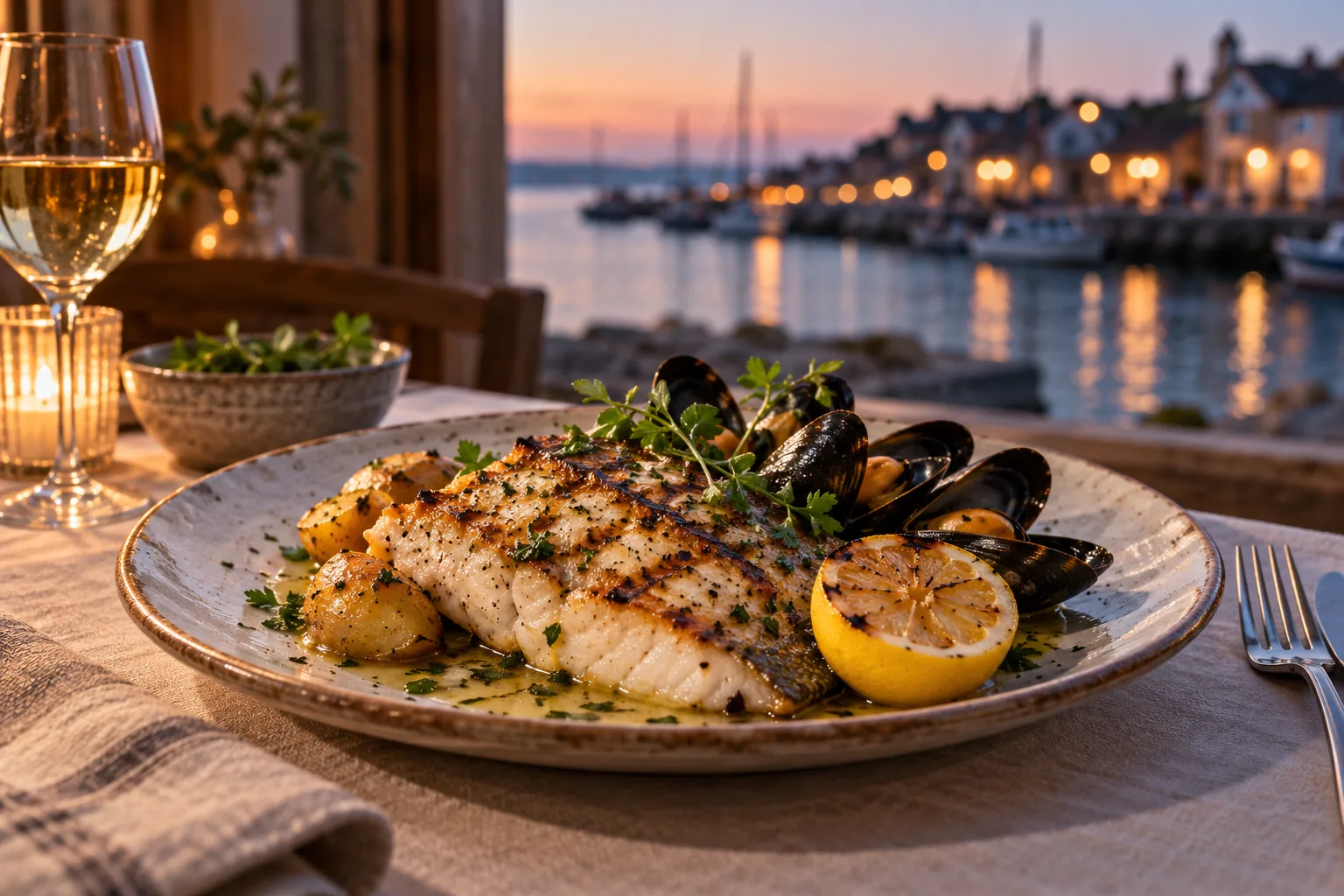
  • Grilled fish, mussels and lemon on a linen-laid table at dusk, the harbour lights beyond the window
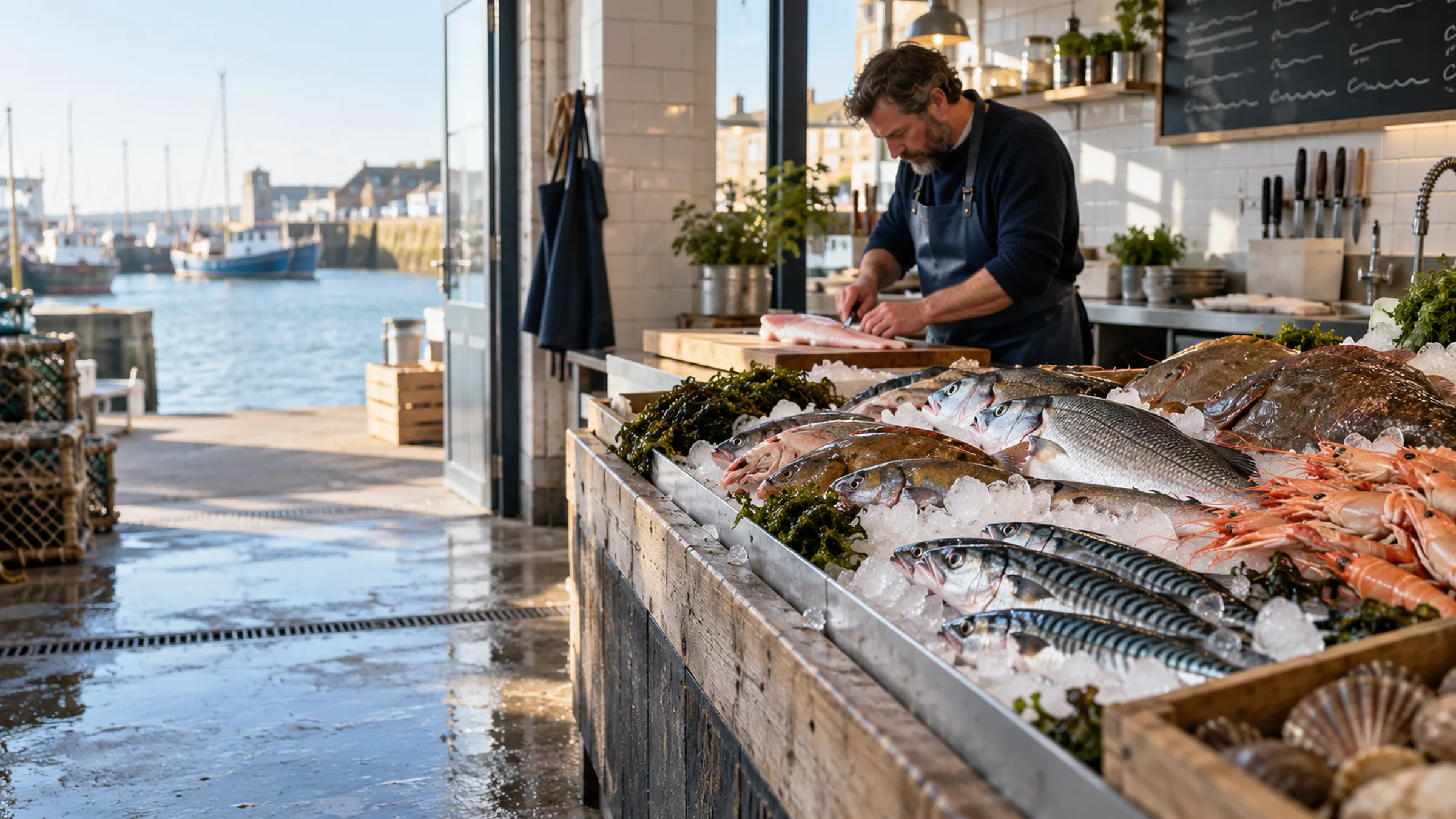
  • A cook laying out the day's fish on a long counter of ice, the quay and moored boats through the open door
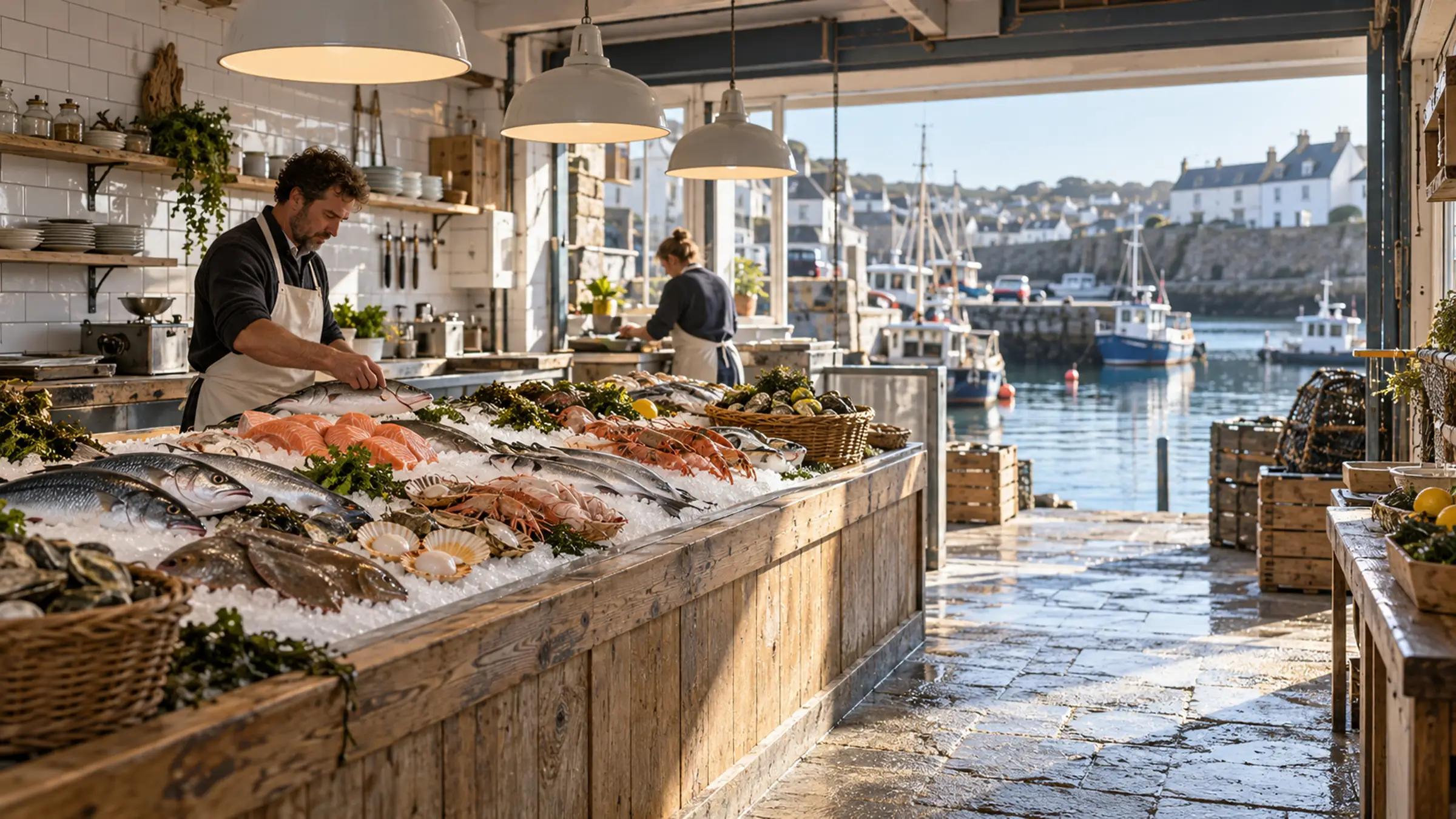
  • The fish counter at the open front of the kitchen, the morning's catch on ice and the harbour boats behind

Photographs used by this design. The live demo shows the finished layout as a working site with its sample business.

Included in the design

6 pages, written and laid out

  1. Harbour Table
  2. Menu
  3. Private dining
  4. Visit
  5. Journal
  6. Privacy and Terms

Comes with the site

Its back office

  • Booking requests
  • Customers and enquiries

These screens arrive with the site when it is installed. Each starts working once you have set it up and published.

You set up

You'd still add

  • Your table-booking calendar
  • Your daily menu
  • Who answers private-dining enquiries

How its journeys work

What a visitor does, what you see and where it is kept. Each journey runs once you have set it up and published the site. Nothing on this page is live.

Bookings

Runs after your setup

Your visitor
Choose a service, date and available time
You
Configure services and availability, then manage bookings
Kept as
Booking services, slots and bookings
Who can see it
Public availability; tenant-scoped booking records

Enquiries

Runs after your setup

Your visitor
Send an enquiry and receive a truthful outcome
You
Review and progress the saved enquiry
Kept as
CRM enquiries
Who can see it
Public submit only; tenant-scoped enquiry records